From flat design to editable layers 

Showcase image 1
Showcase image 2
Showcase image 3
Showcase image 4
Showcase image 5
Showcase image 6
Showcase image 7
Showcase image 8
Showcase image 9
Showcase image 10
Showcase image 11
Showcase image 12
Showcase image 13
Showcase image 14
Showcase image 15
Showcase image 16
Showcase image 17
Showcase image 18
Showcase image 19
Showcase image 20
Showcase image 21
Showcase image 22
Showcase image 23
Showcase image 24
Showcase image 25
Showcase image 26
Showcase image 27
Showcase image 28

Design In. Layers Out.

Try Pila now
Design extracted into layers

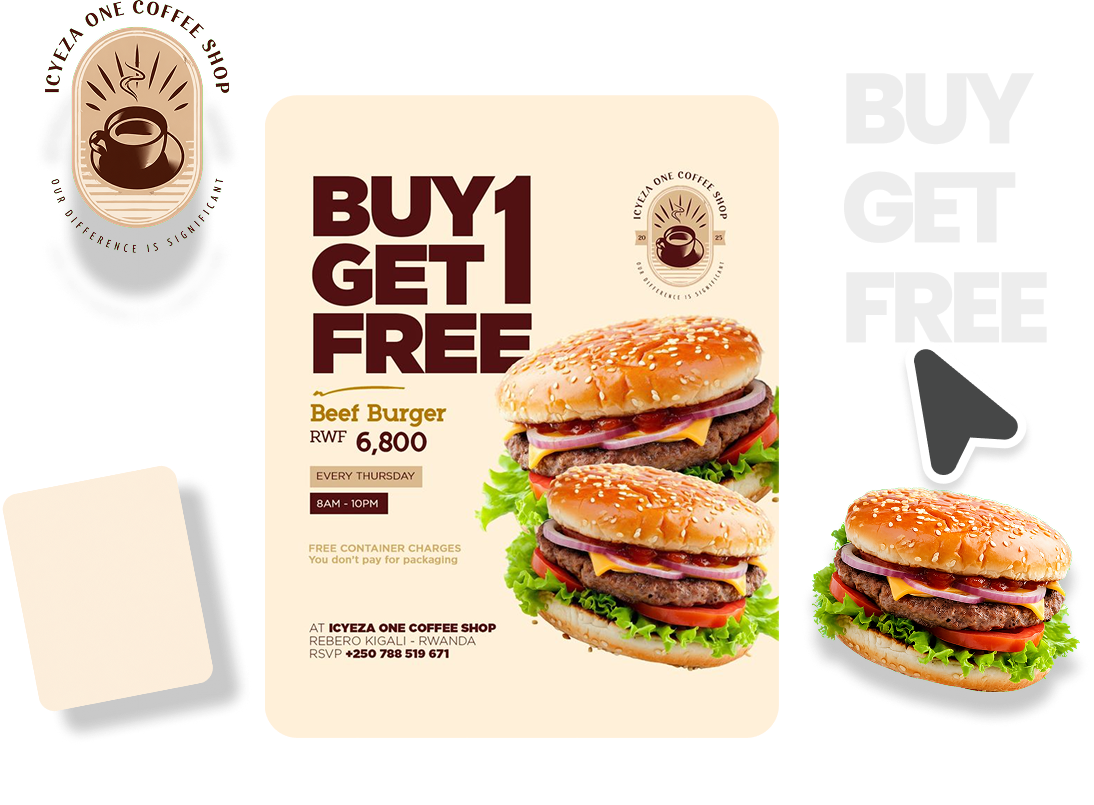
Drop in any flat design and Pila rebuilds it as fully separated, editable layers. No manual work. No source file needed.


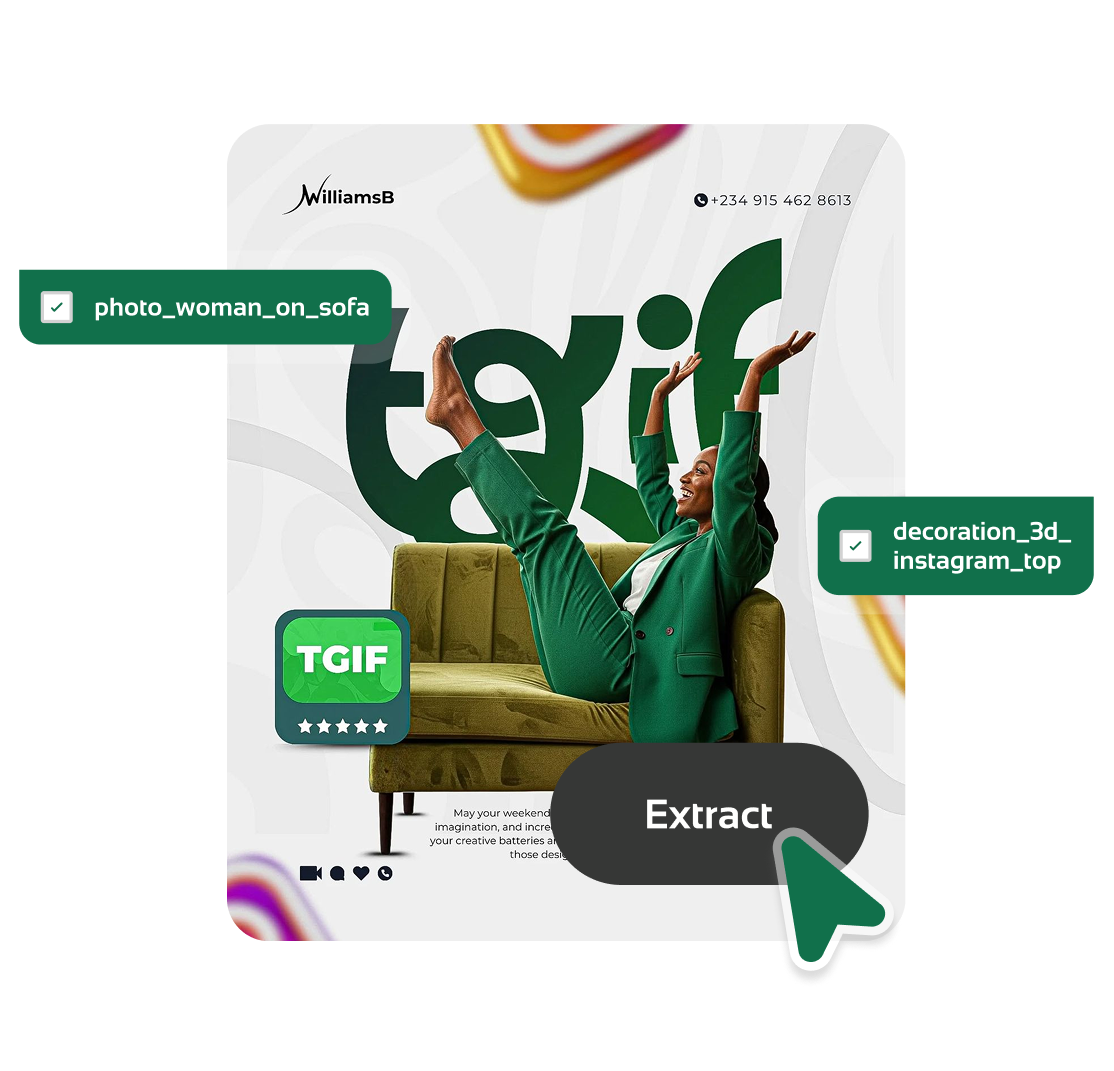
Select and extract elements from a design

Upload. Select. Download.

Try Pila now

Pick exactly which elements you need from any design and download each one as a clean isolated asset.


Every Design, Editable

Try Pila now
Every design editable

The fastest path from any flat design to a fully editable file — so no good idea gets stuck behind a locked image again.

Export to your favorite design tool

Every layer stays fully editable when you open it in Figma, Adobe Illustrator, Photoshop, and more.

Figma
Adobe Illustrator
Adobe Photoshop
Adobe XD
CorelDRAW
Affinity
PixelLab
Figma
Adobe Illustrator
Adobe Photoshop
Adobe XD
CorelDRAW
Affinity
PixelLab

Ready
To Begin?

Try Pila now

Take control of your creative workflow. Try Pila now and turn any flat design into editable layers in seconds.